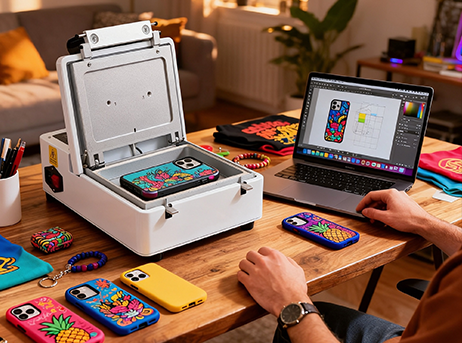
 Focused Kit
Phone Case Edition
- 3D Heat Transfer Machine
- Phone Case Mold
- Transfer Film
- Ink
- Blank Phone Cases
Create personalized phone cases, keycaps and more with a compact 3D heat transfer system.
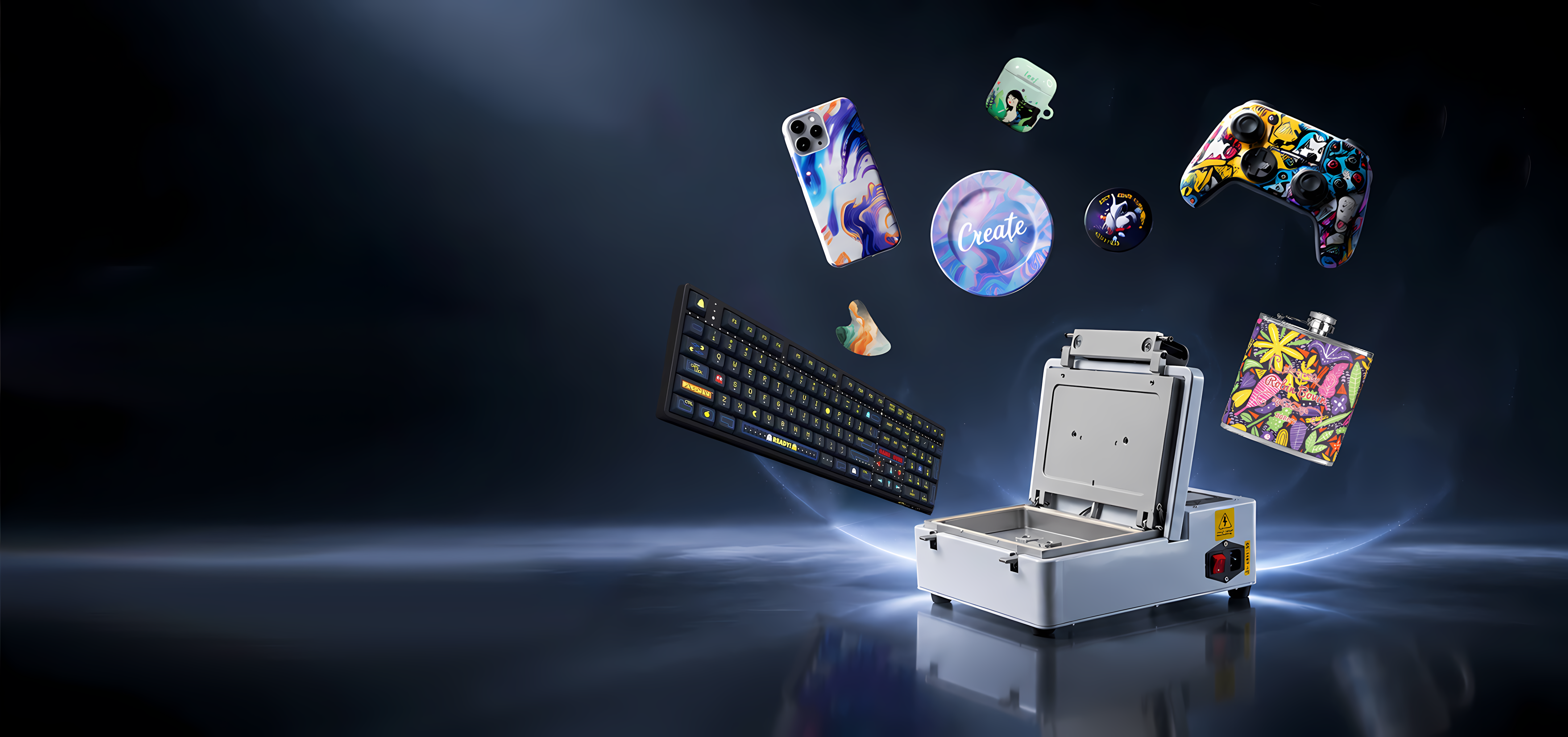
Six checkpoints take a blank from artwork to a packed order. None of them need a second machine.
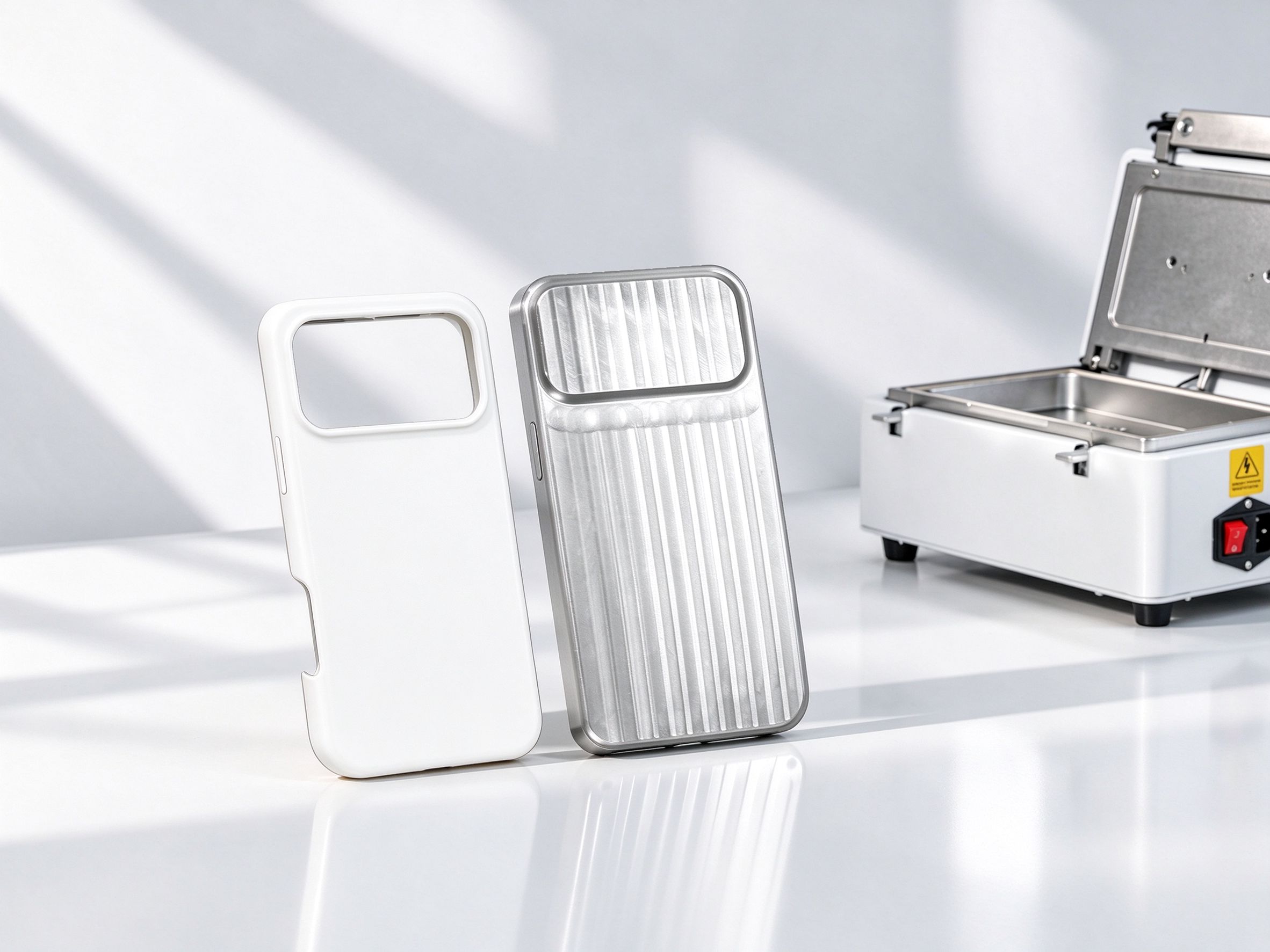
Seat the blank phone case in its precision-machined mold.
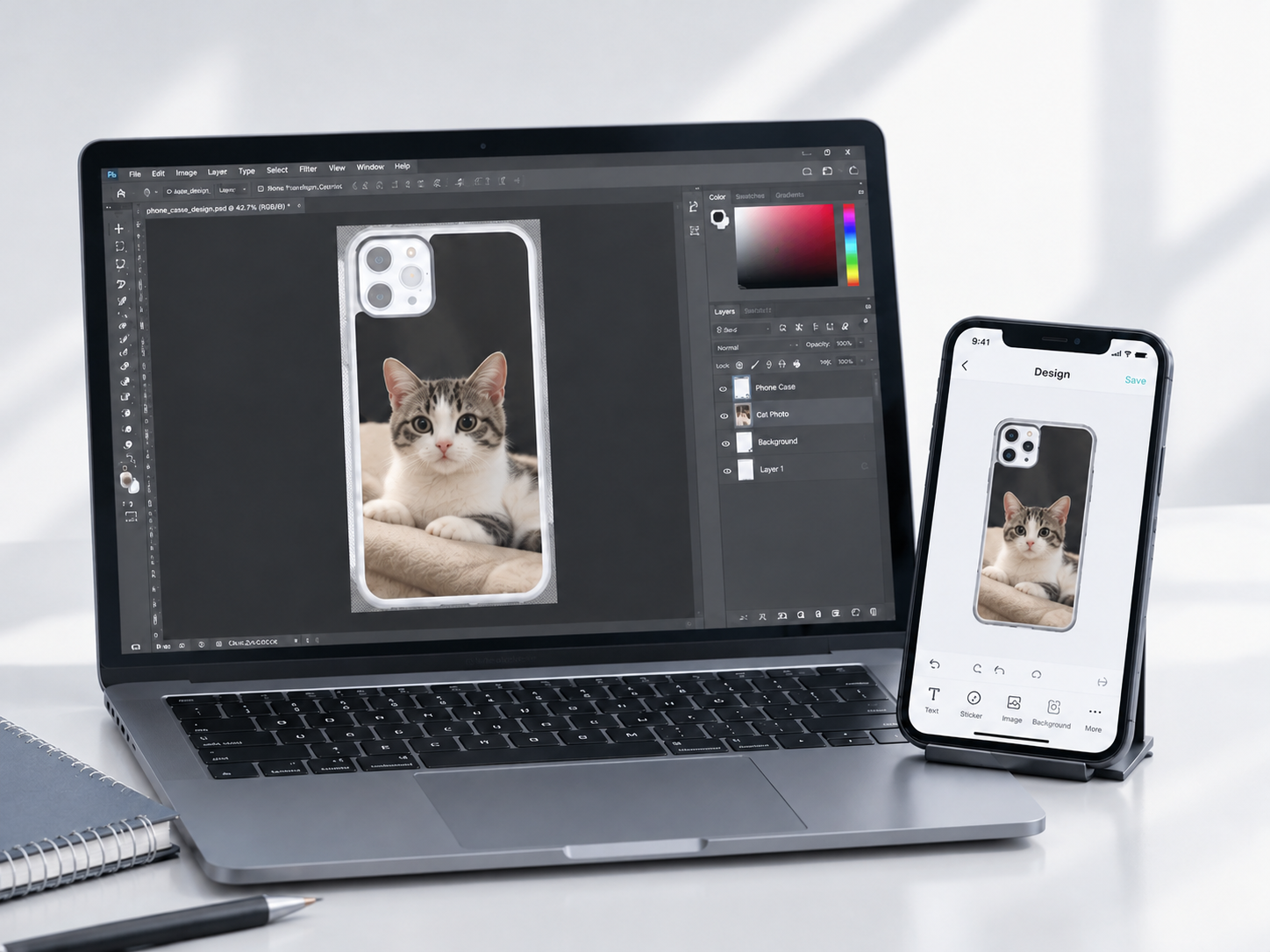
Lay out the artwork in the mobile editor. Customers can do it on their own phone.
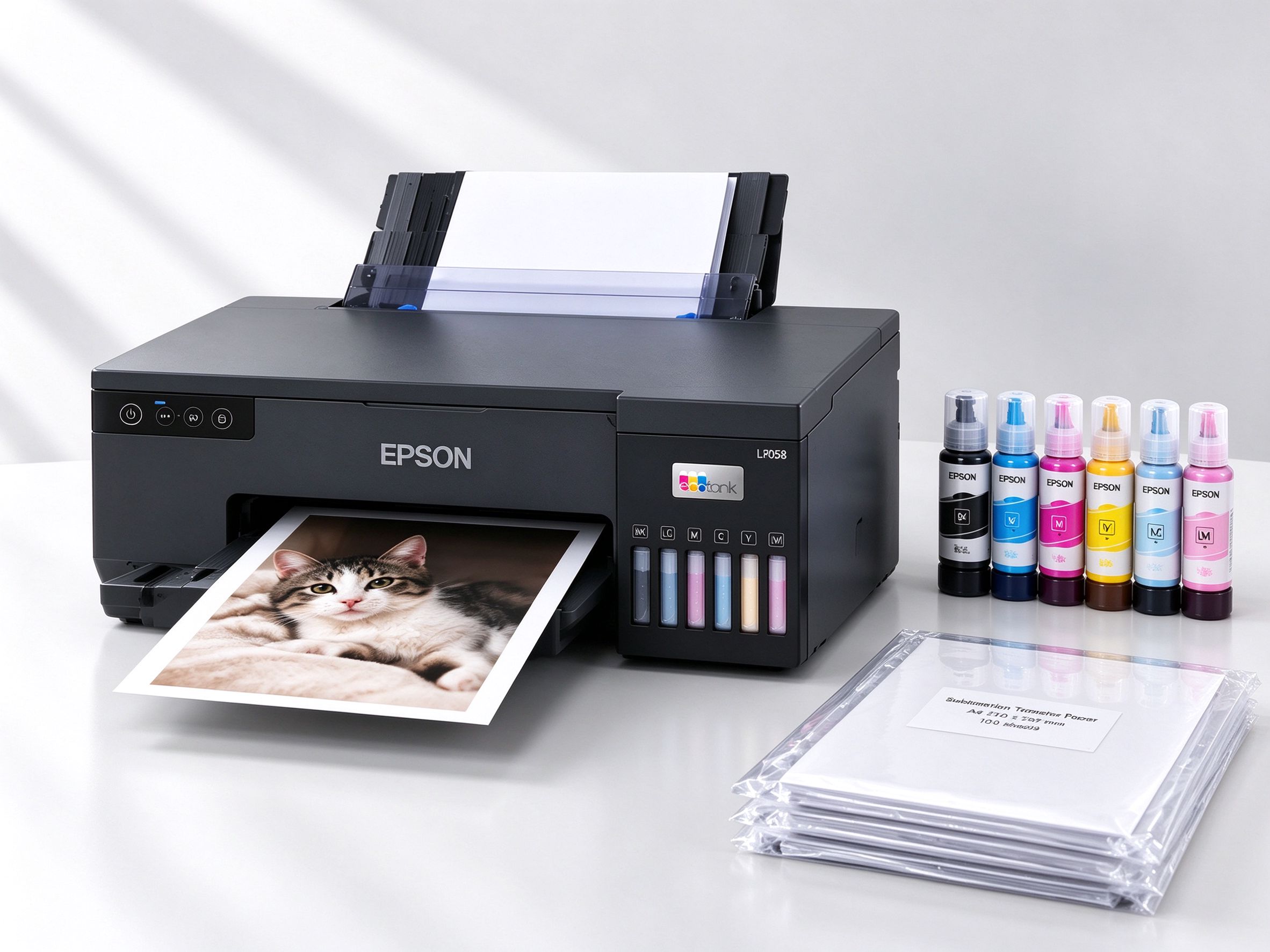
Print the design onto dedicated sublimation transfer film.
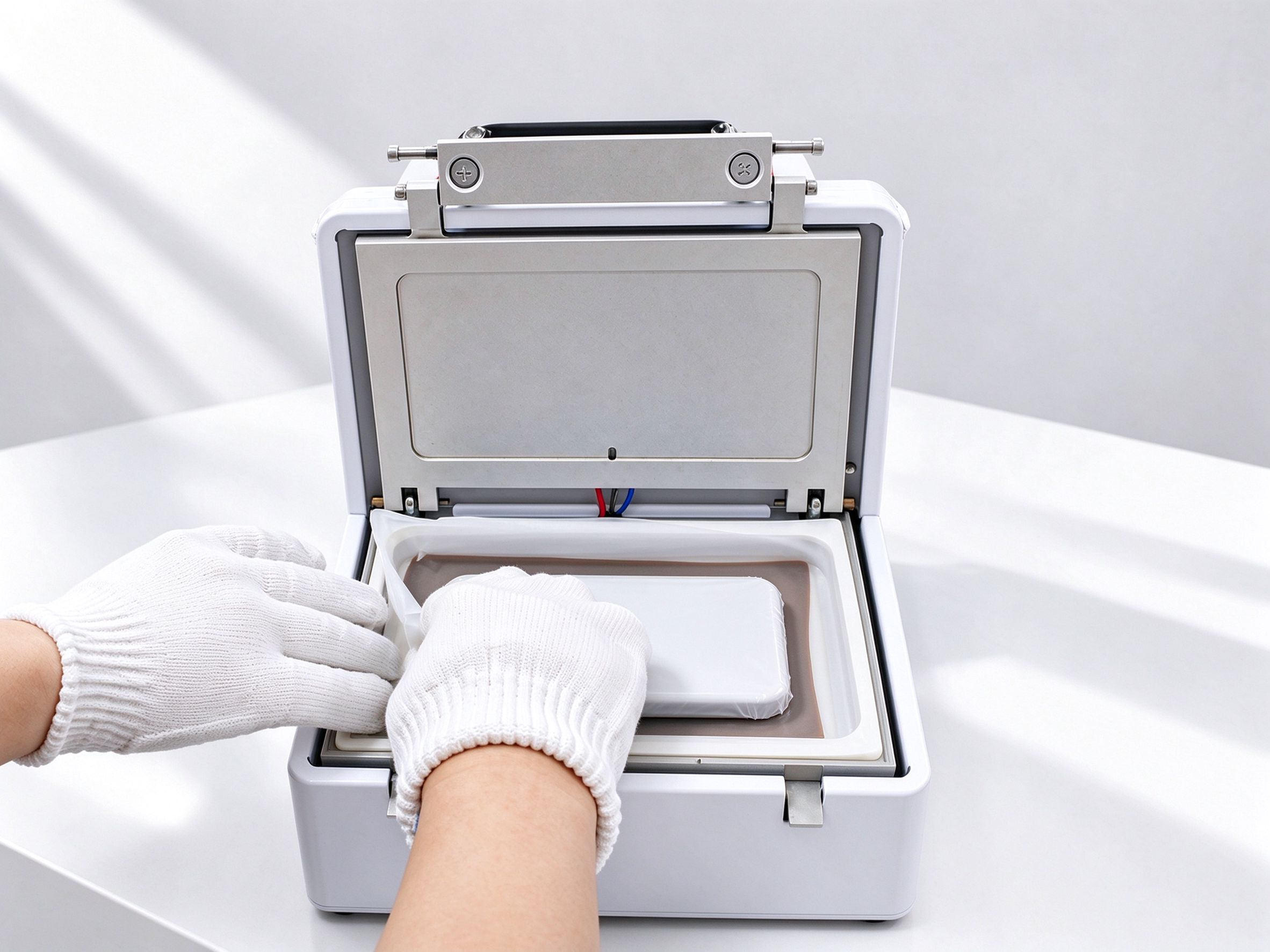
The vacuum chamber wraps the film around every corner and curved edge, then heat and pressure diffuse the dye into the case.
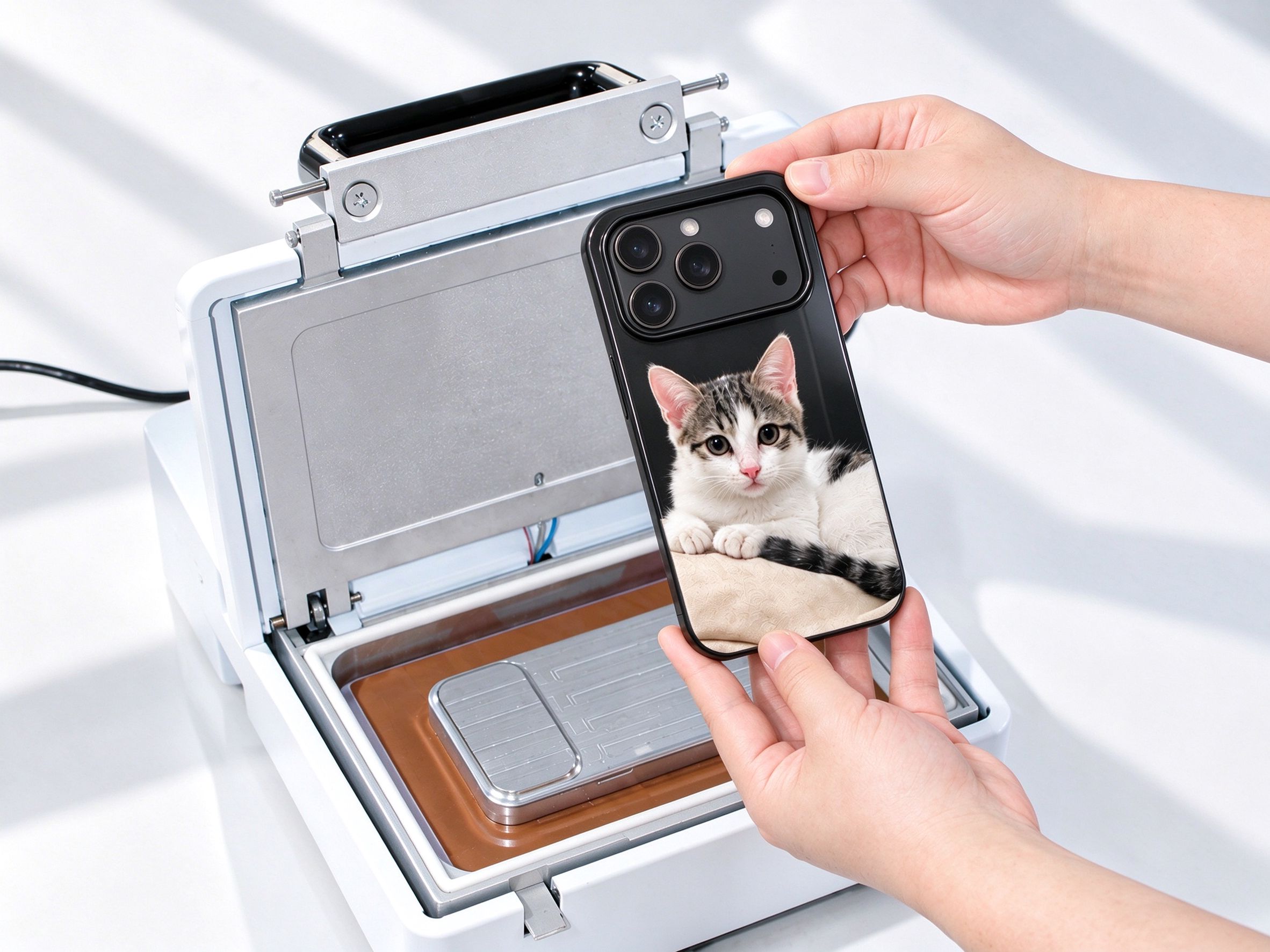
Let the case cool, peel off the film and check the edge-to-edge finish.
Focused Kit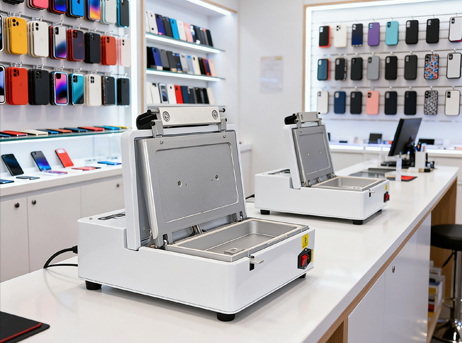 Makers' Mix
Choose each part in order. Each one has to fit the one before it.
Start with the machine, choose what you want to make, and build your own workflow.